Live feedback layer
Your draft stays open. The feedback floats above it.

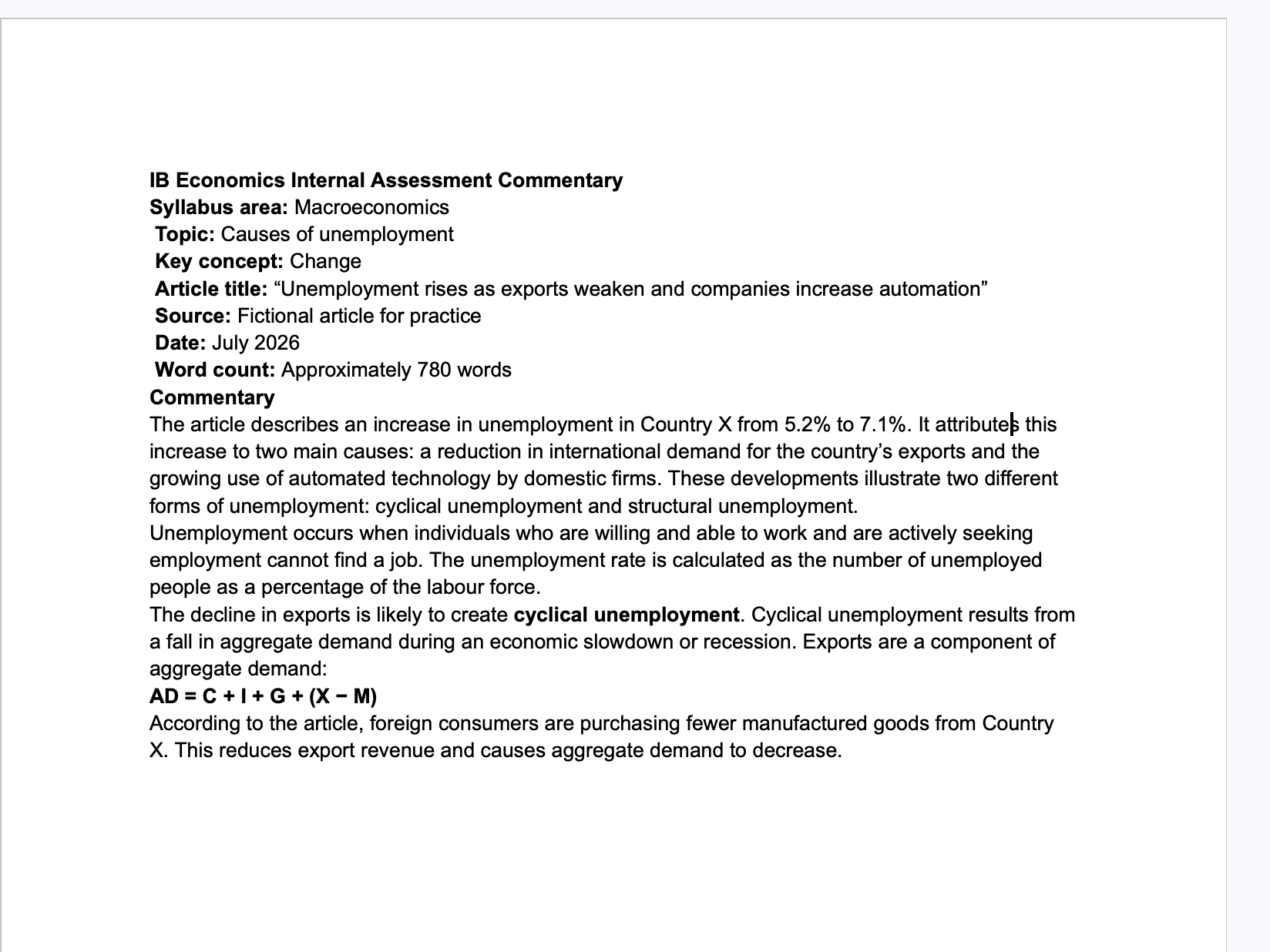
Reading your document...
Live feedback
Your application paragraph names unemployment, but does not connect exports to aggregate demand. Solve it by adding the chain: exports fall -> AD falls -> output falls -> unemployment rises.
Session, not a key
No API key ever touches your Mac.
Marginalia sends extracted text to iBacalao's server, authenticated with your account, because that is where the maintained rubric system prompt, updates, usage limits, and subscription gate live.
- 01
You sign in
Sign in once with your iBacalao account; the app keeps a session token, never a provider key.
No API key involved
- 02
Mac stores the session
Marginalia saves the session token in macOS Keychain, not in plaintext files.
Keychain only
- 03
Your Mac calls our proxy
Accessibility-first capture runs on your Mac, with Screen Recording as a fallback, then extracted text is sent to iBacalao's server.
No direct provider calls
- 04
Server holds the Claude key
Your Pro or Ultra plan authorizes the request; our server calls Claude with a key that never leaves it.
Our Claude key stays server-side